MCP Authentication: Gate Agent Access to Tools Safely
Who is the agent acting as when it calls this tool?
The tempting answer is to authenticate the MCP client once and treat every later tool call as already solved. That answer is not useless, but it is too vague to operate. MCP authentication verifies the identity behind an MCP client or user before a server grants access to restricted tools and resources. For agents, authentication must connect to authorization, scopes, approval, and audit logs because the caller may act through automated tool decisions.
Direct answer
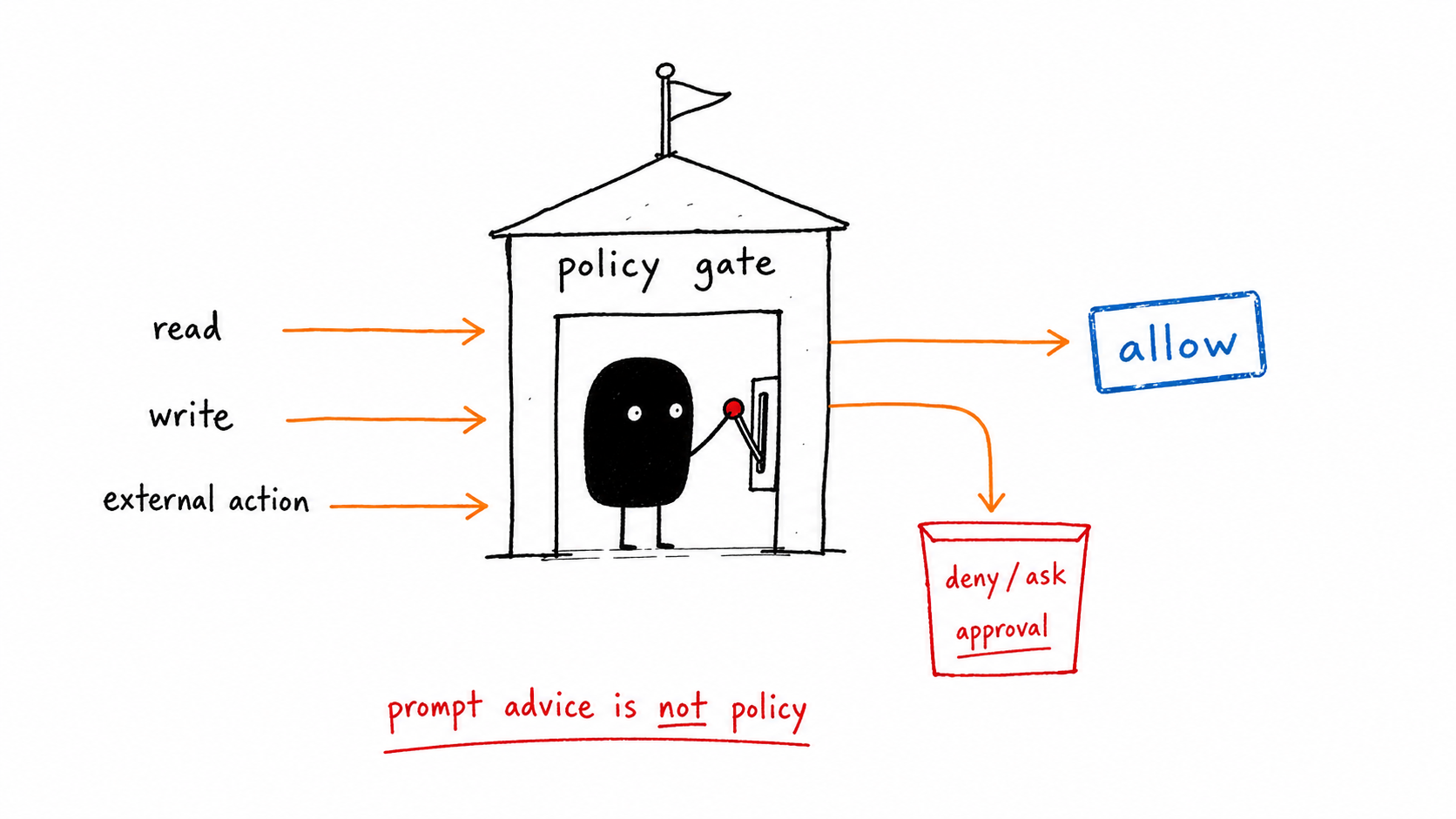
MCP authentication verifies the identity behind an MCP client or user before a server grants access to restricted tools and resources. For agents, authentication must connect to authorization, scopes, approval, and audit logs because the caller may act through automated tool decisions.
Data note
When this matters
- An MCP server exposes private resources, write tools, customer data, or paid operations.
- A client can invoke tools on behalf of a user or workspace.
- You need a clear distinction between identity, consent, scope, and runtime approval.
Failure modes this page should catch
- The server authenticates the client but cannot identify the end user or workspace.
- A broad token allows every tool instead of the minimum task scope.
- Auth succeeds once and is never tied to individual tool calls in the trace.
- Authorization is treated as a docs page instead of a runtime control.
MCP auth review checklist
| Gate | Signal | Action |
|---|---|---|
| Identity | client, user, workspace, server | Record all four in the trace |
| Authorization server | metadata and OAuth flow | Use spec-compliant discovery |
| Scopes | tool and resource permissions | Grant only the task minimum |
| Runtime approval | risky action requested | Pause with evidence packet |
| Audit | token, tool, scope, decision | Log every restricted call |
Running example
A research agent can read public docs through MCP without approval. The same agent needs user identity, workspace scope, and approval before it can open a private CRM record or send a customer message.
Copy the working template
Use the mcp auth review checklist above as the v1 artifact for this page. Replace the placeholders with your own agent names, tools, risk classes, and thresholds, then link the result back into your monitoring, tracing, security, and evaluation gates.
How this connects to the control-gates library
- AI Agent Control Gates: Stop Bad Agents Before They Act
- MCP Security: Review Checklist for Agent Tool Servers
- AI Agent Security: Threat Models for Tool-Using Agents
- Human Approval for AI Agents: When Agents Should Stop
- Agent Tracing: A Practical Schema for Tool-Using AI
Frequently Asked Questions
What is MCP authentication?
MCP authentication verifies the identity of the client or user accessing an MCP server. In production agents, it should connect to scopes, authorization, approval, and audit logs for each restricted tool call.
How is authentication different from authorization?
Authentication answers who is calling. Authorization answers what that caller may access or do. Agents need both because a valid caller can still request an unsafe tool action.
Should tokens be visible to the model?
No. Tokens and secrets should be brokered outside model context. The trace can record that a scoped credential was used without exposing the secret itself.
The Takeaway
MCP auth is not a login checkbox. It is the front door to an agent’s tool boundary.